
What are Plugins and How Does it Work?
By understanding what plugins are, you can unlock the full potential of your digital tools and create a personalized experience.
In the vast digital tools and software landscape, plugins are like the cherry on top of a cake; they add extra functionality and make things more customizable.
But what exactly are plugins, and how do they work? Let’s break it down in simple terms and explore some everyday examples to illustrate their magic.
Before diving into this blog, check out our previous post on “How to Fix the ‘Error Establishing a Database Connection’ in WordPress.” Resolving this issue is quite simple when you follow the right steps.
What are plugins?

In the simplest terms, a plugin is a small piece of software that extends the capabilities of a larger program. Think of it as an add-on or extension that enhances or adds new features to the main software application.
Plugins can be found in many types of software, including web browsers, content management systems, and audio/video editing tools.
Imagine you have a basic web browser. Out of the box, it’s great, but it may lack some features you find useful, like blocking ads or managing passwords. That’s where plugins come in. Adding a plugin gives your browser new abilities, tailoring it to better meet your needs.
Types of plugins
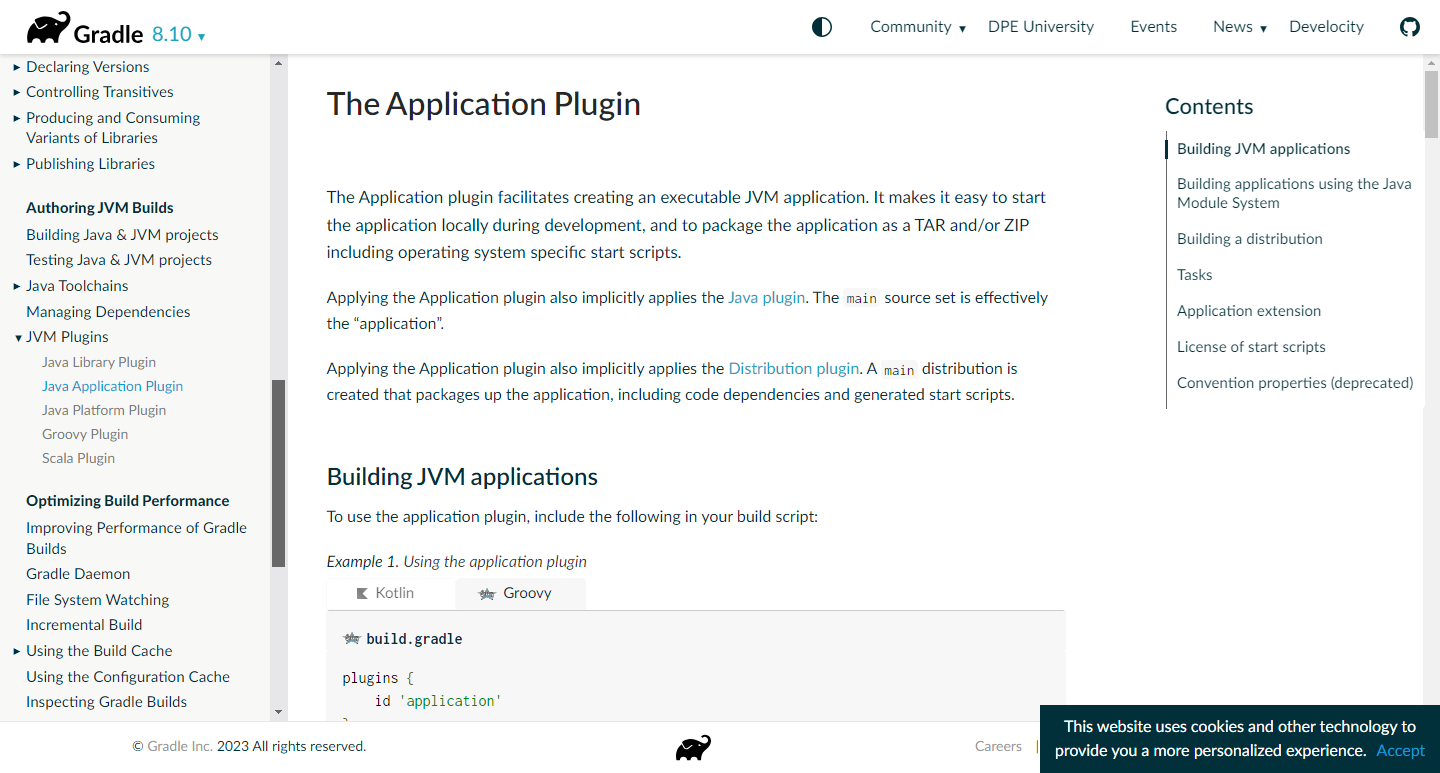 Plugins are small software components that extend the functionality of a larger application. They can be used to add new features, customize existing ones, or improve performance. There are several types of plugins, each with its own purpose:
- Browser Plugins: These plugins enhance the capabilities of web browsers, allowing users to perform tasks like blocking ads, managing passwords, or translating languages.
- Media Player Plugins: Used to support different audio and video formats, these plugins enable users to play a wider range of media files.
- Content Management System (CMS) Plugins: CMS plugins extend the functionality of CMS platforms, adding features like contact forms, social media integration, or e-commerce capabilities.
- Game Plugins: Game plugins can modify gameplay, add new features, or improve performance in video games.
- Application Plugins: These plugins can be used to customize and extend the functionality of various applications, from productivity tools to design software.
Plugins offer a convenient way to add new features and functionality to software applications without requiring extensive programming knowledge.
How Do Plugins Work?

Plugins work by integrating with a larger application through specific rules or APIs (Application Programming Interfaces). Here’s a simple breakdown of how they generally function:
- Integration: When you install a plugin, it connects with the main application using predefined interfaces provided by the software. This allows the plugin to interact with the core program.
- Functionality: The plugin provides additional features or modifies existing ones. For instance, a plugin might add new tools, enhance performance, or customize the interface.
- Activation: After installation, you often need to activate or configure the plugin through the main application’s settings. This step allows you to set preferences or adjust how the plugin works.
- Execution: Once activated, the plugin operates in the background or as an added feature whenever you use the main application, performing its designated tasks based on its design.
Benefits of Using Plugins
Plugins offer several advantages that make them a popular choice for extending software functionality:
- Customization: They allow users to tailor software to their specific needs and preferences.
- Efficiency: Instead of developing new features from scratch, developers can create plugins to extend existing applications.
- Flexibility: Plugins enable users to add or remove features as needed without altering the core software.
- Community Contribution: Many plugins are developed by third-party developers, fostering innovation and providing a wide range of options.
Potential Challenges
While plugins are incredibly useful, they come with some challenges:
- Compatibility: Plugins need to be compatible with the main application’s version. Sometimes, updates to the main software can cause compatibility issues with existing plugins.
- Security: Since plugins are often created by third parties, they can pose security risks. It’s essential to use plugins from reputable sources and keep them updated.
- Performance: Adding too many plugins can slow down the performance of the main application. It’s important to manage your plugins wisely to avoid performance issues.
Conclusions
Plugins are a fantastic way to extend and customize software, offering new functionalities and enhancing user experiences.
Whether you’re using a web browser, a content management system, or audio/video editing software, plugins play a key role in making these tools more powerful and versatile.
By understanding how plugins work and managing them effectively, you can take full advantage of their benefits and tailor your software environment to better meet your needs.