How to Start a Business Website on a Budget
In today’s digital-first world, having a business website is essential for reaching your audience and establishing credibility. However, starting a website doesn’t have to break the bank.
Before reading this blog post, check out our previous post, 10 Powerful WordPress Website Examples For Inspiration in 2025. It helps you create beautiful, functional websites.
Guide to creating a professional business website
Starting a business website on a budget is achievable with careful planning and the right tools. Here’s a step-by-step guide to creating a professional business website on a budget.
Define Your Website Goals
Before diving into the technical aspects, clarify your website’s goals. Do you need an online store, a portfolio, a blog, or a simple informational site? Understanding your goals will help you make cost-effective choices.
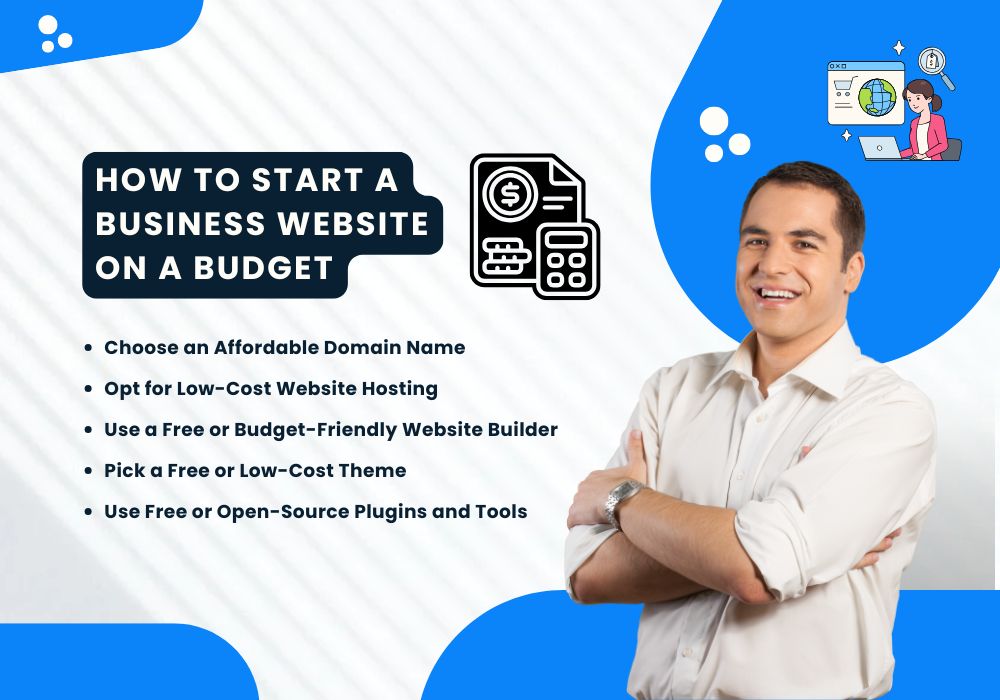
Choose an Affordable Domain Name
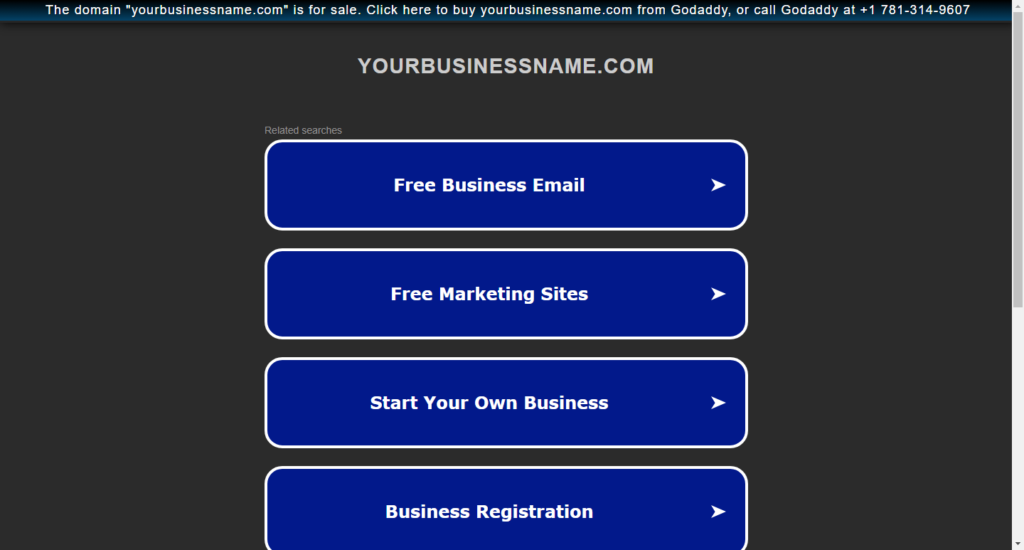
A domain name is your website’s address (e.g., www.yourbusinessname.com). Use reputable yet budget-friendly domain registrars such as:
- Namecheap
- Google Domains
- Bluehost (when bundled with hosting)
Expect to spend around $10–$15 per year. Look for promotions and coupons to save even more.
Opt for Low-Cost Website Hosting
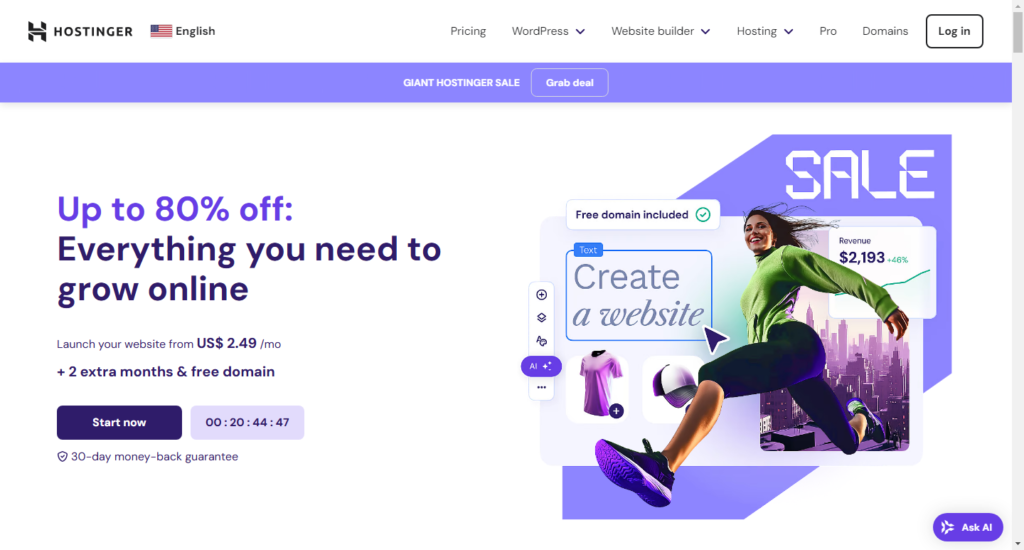
Web hosting is where your website’s files are stored. Affordable hosting providers offer reliable services for small budgets:
- Hostinger: Plans start at $2.99/month.
- Bluehost: Free domain with hosting.
- SiteGround: Known for excellent customer support.
Choose shared hosting if you’re starting small. Many providers offer introductory discounts, so compare plans before committing.
Use a Free or Budget-Friendly Website Builder
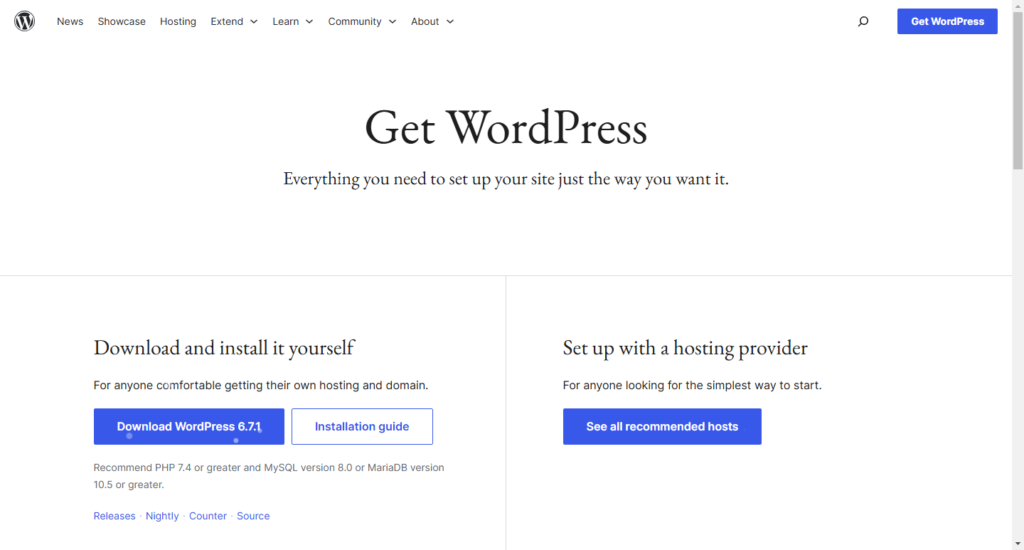
Website builders simplify the creation process, often without requiring coding knowledge. Top options include:
- WordPress.org (Free): Ideal for flexibility and scalability; requires hosting.
- Wix: Easy drag-and-drop editor; free plan available.
- Weebly: Affordable plans with built-in eCommerce features.
Pick a Free or Low-Cost Theme

Many website platforms provide free themes that look professional and responsive. For WordPress users, check out:
Customizing a free theme can help your website look unique without hiring a designer.
Use Free or Open-Source Plugins and Tools
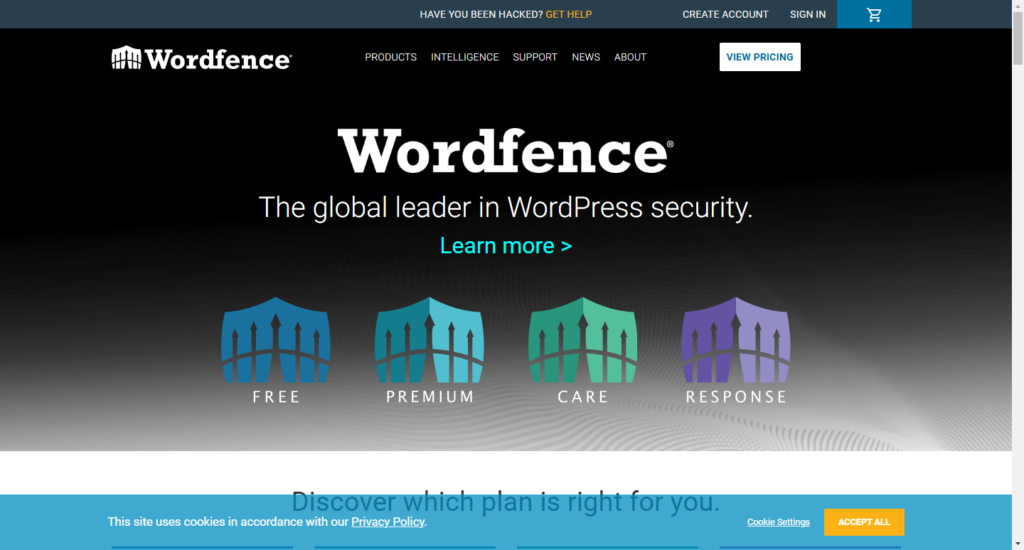
Enhance your website’s functionality with free plugins. For example:
- SEO: Yoast SEO or Rank Math.
- Security: Wordfence or Sucuri.
- Forms: WPForms Lite or Contact Form 7.
Plugins are usually free with optional premium features, which you can upgrade to later as your budget grows.
Create Quality Content on Your Own
To save costs, write your website content yourself. Focus on:
- Homepage: Clearly state your mission and value proposition.
- About Page: Share your story to connect with visitors.
- Services/Products: Detail what you offer.
- Contact Page: Make it easy for visitors to reach you.
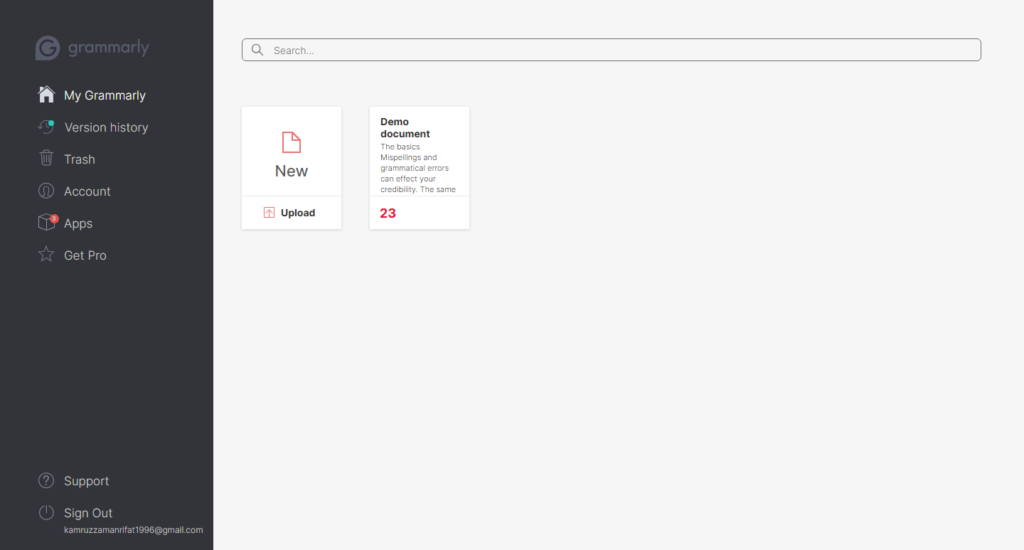
Use free tools likeGrammarly to polish your writing.
Use Free Resources for Graphics and Images

Visuals make your website appealing, but hiring a graphic designer can be expensive. Instead, use free resources:
- Canva: Create custom graphics.
- Unsplash: Free high-quality stock photos.
- Pexels: Another excellent source for free images.
Ensure you’re following copyright rules when using free assets.
Leverage Free Marketing Tools
Promoting your website doesn’t need to cost a fortune. Free tools to get started include:
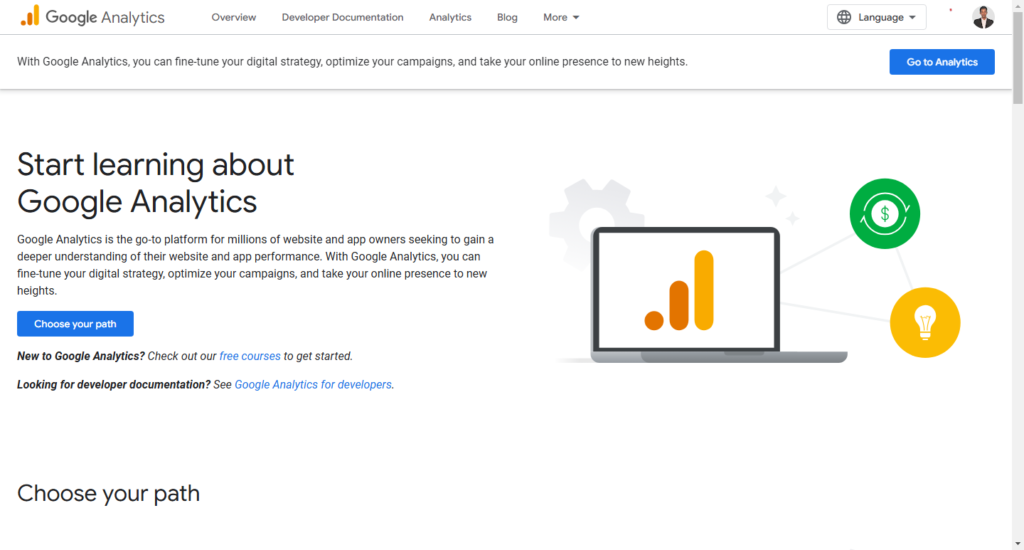
- Google Analytics: Track website traffic and visitor behavior.
- Google My Business: Improve local search visibility.
- Social Media: Use platforms like Instagram, Facebook, and LinkedIn to drive traffic.
Test and Launch Your Website
Before going live, thoroughly test your website for:
- Responsiveness: Ensure it looks good on mobile, tablet, and desktop.
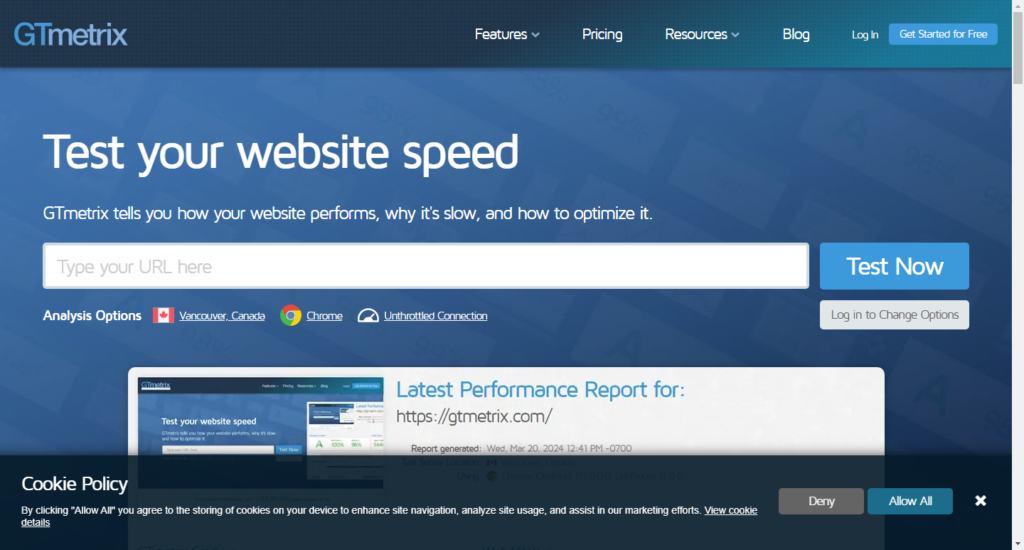
- Loading Speed: Use free tools like GTmetrix.
- Functionality: Check all links, forms, and buttons.
Conclusion
Starting a business website on a budget is not only possible but also manageable with the right tools and resources. By planning strategically and leveraging free or affordable solutions, you can build a professional online presence without overspending. Remember, a great website is an investment in your business’s growth and success.