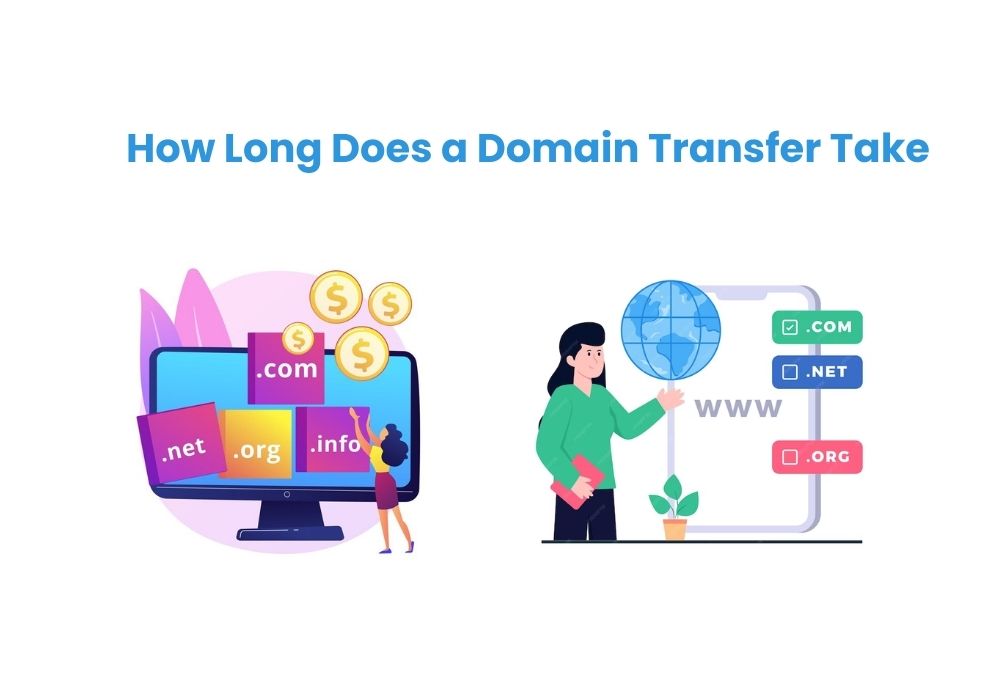
How Long Does a Domain Transfer Take
A domain transfer typically takes 5 to 7 days to complete. Certain factors can extend this period up to 10 days.
Embarking on a domain transfer can feel daunting, but understanding the timeframe helps manage expectations. A smooth transition relies on prompt verification of the transfer request and adherence to the gaining registrar’s procedures.
The domain owner must ensure that the domain is unlocked and that the correct authorization code is provided. During the transfer process, it’s essential to keep an eye on any communication from both the losing and gaining registrars, as quick responses to any queries can expedite the transfer.
Delays often occur due to incorrect information or a lack of response from the involved parties. A well-informed domain owner can navigate these challenges, leading to a successful transfer within the expected timeline.
In our previous blog post, we explained about, Should I Transfer My Domain to Squarespace? It helps you Transfer your domain to Squarespace and centralize your website management.
Several factors can influence the duration of domain transfers, impacting the seamless transition of a website from one registrar to another.
Registrar Policies: Each registrar has its own set of policies and procedures for domain transfers. Some may expedite the process, while others may have stricter requirements.
Domain Transfer Process
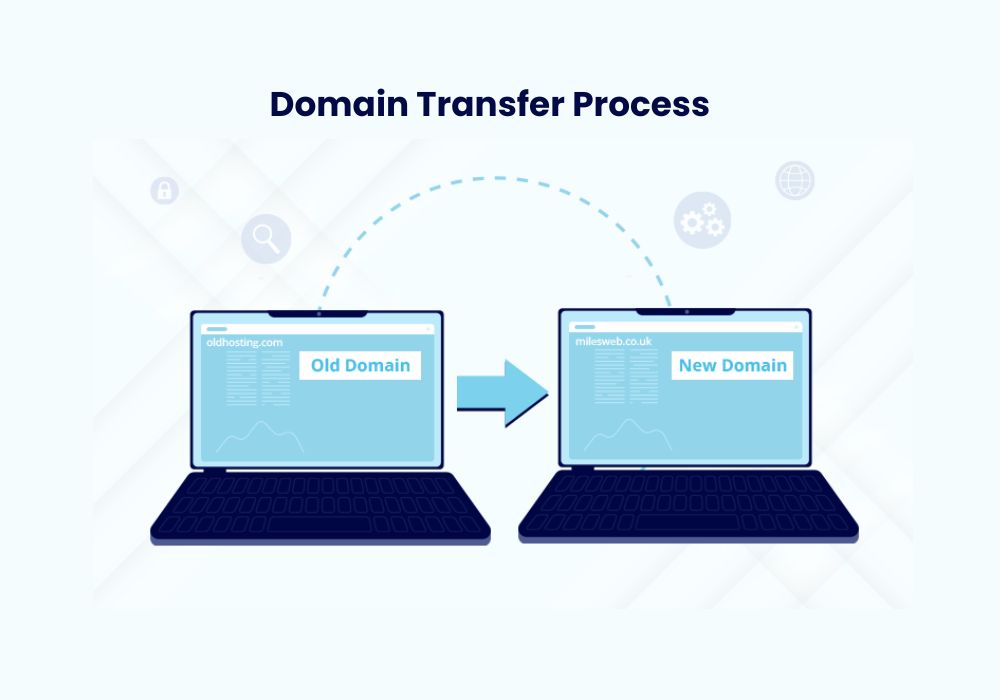
Domain transfer is the process of moving a domain name from one registrar to another. Here’s a simplified guide to the process:Prepare for Transfer: Ensure that your domain is eligible for transfer, unlock it if necessary, and obtain the authorization code (EPP code) from your current registrar.
- Before transferring your domain, double-check the contact information listed for your domain. This step is crucial because the transfer process involves email verification.
- Ensure that your email address is current and accessible. This prevents any delays in receiving important transfer communications.
- To initiate a transfer, you will need an authorization code. This unique code is sometimes called an EPP code or a transfer key.
- Contact your current domain registrar to obtain it. Keep this code safe, as it’s the key to moving your domain successfully.The domain transfer process can seem daunting, but understanding the timeline helps. During the Initiation Phase, the current domain owner starts the transfer. They must unlock the domain and obtain an authorization code. This part usually takes 1 to 4 days.
- The Verification and Confirmation Period follows. The new registrar must verify the transfer request. They will send an email confirmation to the domain owner. The owner needs to respond to this email quickly. This stage takes about 2 to 7 days.
- Finally, we reach the Finalization stage. Here, the transfer gets its final approval. This phase is generally completed within 5 to 7 days. So, the entire domain transfer can typically take up to 5 to 15 days in total.Expired domains can complicate the transfer process. A domain needs renewal before transfer. This adds time.
- To solve this, ensure your domain is active. Renew it before initiating a transfer. This prevents delays.
- Dispute resolution might stall transfers. Ownership disputes need to be settled first.
- Quickly respond to registrar communications regarding disputes. Provide necessary proof of ownership to facilitate the transfer.Completing a domain transfer leads to important tasks. One key task is updating DNS records. This step ensures website visitors reach the correct site.
- DNS changes might take up to 48 hours to spread worldwide. With updated records, a website’s email services and hosting connections get restored.
- Renewal procedures are also crucial post-transfer. The renewal date may shift due to the transfer. Check the transfer completion email for the new expiration date. This avoids accidental domain loss.
- Remember, a proactive approach to domain management is best. Keep records of renewal dates and set reminders for the future.