

Install An SSL Certificate: Step-by-Step Guide for Successful Setup
To install an SSL certificate, follow these steps: locate the certificate order and download the certificate, open IIS Manager, select the server, open Server Certificates, click “Complete Certificate Request,” navigate to the certificate file, and complete the installation process.The best WordPress SEO plugin is Yoast SEO. It’s widely revered for its comprehensive features and ease of use.
Why Is An SSL Certificate Important?
Install an SSL certificate is crucial for a website’s security and overall performance. It ensures secure data transfer between the user’s browser and the website’s server, encrypting sensitive information such as personal details and credit card information.
Moreover, having an SSL certificate builds trust with visitors. When users see the padlock icon or “https” in the URL, they know that the website has taken steps to protect their data and provide a secure browsing experience.
Additionally, installing an SSL certificate can boost SEO rankings. Search engines like Google consider SSL as a ranking factor, giving websites with HTTPS a slight advantage in search results. This helps improve website visibility and organic traffic.
Free SSL certificate providers such as DigiCert, GoDaddy, Let’s Encrypt, ZeroSSL, GeoTrust, and Cloudflare make it easier for website owners to obtain and install SSL certificates.
The process typically involves generating a Certificate Signing Request (CSR), ordering the certificate, downloading it, and completing the installation on the server.
Types Of SSL Certificates
When it comes to installing SSL certificates, there are three main types to choose from.
- Domain Validated (DV) certificate: Domain Validated (DV) certificates are the most basic and provide a low level of security. They only require verification that the domain ownership is legitimate.
- Organization Validated (OV) certificate: Organization Validated (OV) certificates offer a higher level of security. They require domain ownership verification as well as verification of the organization’s identity.
- Extended Validation (EV) certificate: Extended Validation (EV) certificates provide the highest level of security and trust. They require a rigorous verification process, including checking both the organization’s identity and the legal existence of the business.
When installing an SSL certificate, it’s important to follow the required steps. Free SSL certificate providers like DigiCert, GoDaddy, Let’s Encrypt, ZeroSSL, GeoTrust, and Cloudflare offer resources and tutorials on how to install SSL certificates.
Typically, the process involves generating a Certificate Signing Request (CSR), ordering the certificate, downloading it, and then installing it on the server.
Overall, installing an SSL certificate is crucial for website security and establishing trust with visitors. Choose the right type of certificate based on your security needs and follow the proper installation process.
How To Obtain And Install An SSL Certificate
|
Step 1: Choose a Certificate Authority (CA) Some popular CAs include DigiCert, GoDaddy, and Let’s Encrypt. It is important to carefully review and compare the different CA options to ensure you select the one that best meets your needs and budget. |
|
Step 2: Generate a Certificate Signing Request (CSR) The process of generating a CSR will vary depending on your web server and hosting provider. It is recommended to refer to their documentation or support resources for detailed instructions. |
|
Step 3: Submit CSR to CA for Validation This validation process may require you to provide additional documentation or complete certain verification steps. Once the CA completes the validation, it will issue the SSL certificate. |
|
Step 4: Receive and Download SSL Certificate It is important to follow the CA’s instructions carefully to ensure you download the correct certificate files. |
|
Step 5: Install SSL Certificate on Your Web Server Typically, you will need to access your server’s control panel or use FTP to upload the certificate files. Again, it is recommended to refer to the documentation or support resources provided by your web server and hosting provider for specific instructions. |
|
Step 6: Test Your SSL Installation There are various online tools and browser extensions available that can help you test your SSL installation. These tools will check for common SSL configuration issues and validate that your website is properly secured with SSL. |
Free SSL certificate Providers
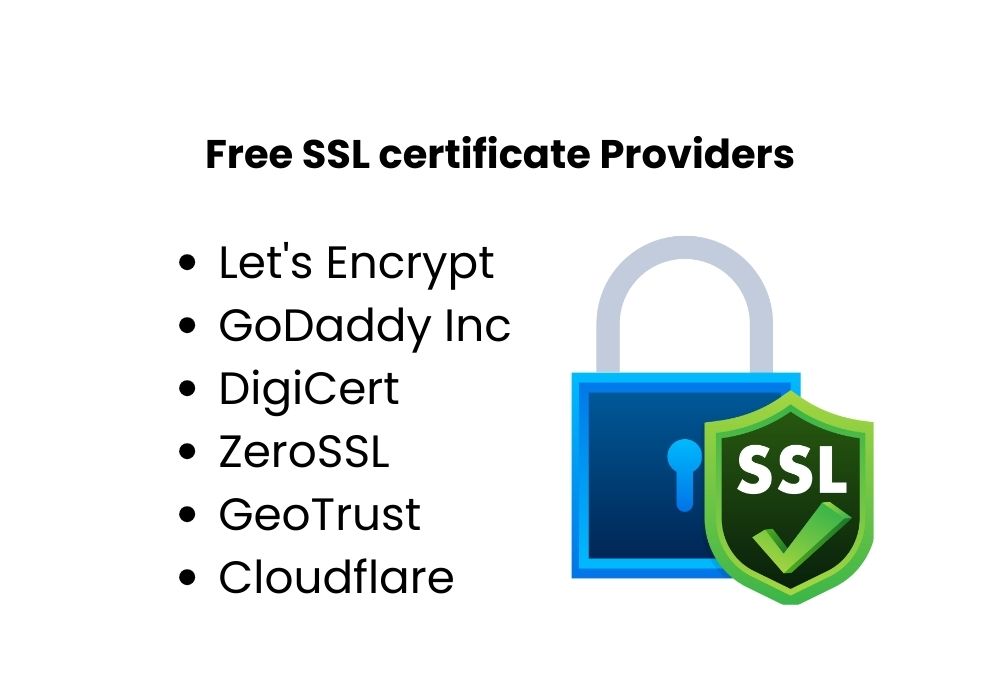
- DigiCert: DigiCert is one of the leading providers of SSL certificates. They offer a wide range of options, from basic to enterprise-level certificates. DigiCert provides strong encryption and security features, ensuring the safety of your website and data.
- GoDaddy Inc: GoDaddy Inc is a well-known domain registrar that also offers SSL certificates. Their certificates are easy to install and come with 24/7 customer support. GoDaddy Inc. provides both single-domain and wildcard certificates, suitable for different types of websites.
- Let’s Encrypt: Let’s Encrypt is a free and open certificate authority that provides SSL certificates for websites. Their certificates are trusted by major browsers and offer a high level of security. Let’s Encrypt is a popular choice for small businesses and personal websites due to its affordability.
- ZeroSSL: ZeroSSL offers free SSL certificates with a simple process. They provide both single-domain and wildcard certificates. ZeroSSL is a great option for those who want a quick and easy way to secure their website without any cost.
- GeoTrust: GeoTrust offers a range of SSL certificates, including single-domain and wildcard certificates. They provide strong encryption and authentication, ensuring the security of your website and data. GeoTrust is a trusted brand in the industry, known for its reliability and customer support.
- Cloudflare: Cloudflare is a popular choice for website security, including SSL certificates. They offer a free SSL certificate along with other security features. Cloudflare provides a Content Delivery Network (CDN), improving website performance and security.
How To Install an SSL Certificate Step By Step
To install an SSL certificate on your website, you need to follow a step-by-step process.
- First, you need to set up the SSL CSR (Certificate Signing Request) creation. This involves generating a CSR from your hosting provider or server. Once you have the CSR, you can proceed with the SSL certificate installation.
- To manually install the SSL certificate on your website, you need to locate the certificate order and download it. Then, in the Microsoft Management Console, add the Certificates snap-in and select the Computer Account.
- Next, open the Server Certificates in the IIS Manager and click “Complete Certificate Request” to navigate to the certificate file. Finally, select the certificate and click “OK” to install it on your server.
- If you want to install the SSL certificate on a client computer, you can use the Microsoft Management Console to add the Certificates snap-in and select the Computer Account. Open the Server Certificates, click “Complete Certificate Request” to navigate to the certificate file, and select the certificate to install it on the client computer.
By following these step-by-step instructions and screenshots, you can easily install an SSL certificate on your website or client computer.

Credit: www.amazon.com
Conclusion
Installing an SSL certificate is essential for website security and SEO optimization. It not only protects your visitors’ data from hackers but also boosts your site’s trustworthiness in the eyes of search engines.
By following the step-by-step guides provided by various SSL certificate providers, such as DigiCert, GoDaddy, and Let’s Encrypt, you can easily obtain and install an SSL certificate on your website.
So don’t wait any longer, ensure the safety of your visitors, and improve your website’s SEO ranking by installing an SSL certificate today.